
Escape Route
A First Person Shooter Experience
Technical Level Design
Project Summary
Escape Route is a first person shooter experience combining elements from Half-Life 2 and Mirror’s Edge. The focus for this project was a level with interactable gameplay elements in it and a unique weapon (Half-Life 2), as well as a movement system that gives the player options to maneuver throughout the environment (Mirror’s Edge).
My main goal with this piece was to create a level with variety in gameplay elements, pacing, and tension, as well as creating all mechanics from the ground up through visual scripting with blueprints in Unreal Engine. Blender was used for simple models when needed as well.
Introduction
Developed in 6 weeks, half-time work
Player character with a movement system and weapons system
Interactables that create fun gameplay scenarios
Level design with variety in gameplay, pacing and tension
Breakdown
Unreal Engine 5.6
First Person Template
Blender
Millanote
All blueprints were created by me
All assets were created by me, except for:
Assets & Software Used
Playthrough Videos
Production
I started the project by brainstorming and writing down what I wanted this project to be. The genre was the first thing I thought of, and I quickly came to the realization that I wanted to create a FPS experience. I then began delving further into the specific details of the project. I wanted movement that felt similar to Mirror’s Edge while also having interactibility and a unique weapon similar to Half-Life 2.
With these core fundamentals established, I created a workspace in Millanote to write down the project brief, a checklist of all the required components and add reference images to get a better sense of the environments I wanted to use in the level. I also started working on a level overview to accommodate the features I had planned for.
The level overview and workspace helped me keep track on the status of the project, what needed to be worked, what needed to be cut, and what could be expanded on further.
Production Summary
Project Brief
The first thing I started when it came to the level design part of the production was to look at the reference images I had gathered to come up with segments for the level that I could create. I then worked on a level overview that I used to create a blockout level with.
Something that helped me was switching between the level overview and the blockout. When I felt stuck with trying to come up with something for my level overview I could create something in Unreal and test it out, and if it was something I felt worked, I could add it to my overview and vice versa.
This helped me progress with both the level and documentation, as either the level overview or blockout did not need total influence over the other during development.
Level Design
Moodboard
When it came to the technical design aspect of this piece, I wrote down all the features and mechanics that I wanted to create and implement into the project in a checklist. Using a list like this helped me organize and prioritize the each blueprint for the project.
An important thing I had to do throughout production was to cut features I deemed not important enough for the project. Examples of this were certain weapons, interactable blueprint actors, and enemy types. While I would have liked all my planned features to be in the project, cutting certain features was the right call.
This organizing and overview over each technical component of the game let me easily adapt to whatever situation I found myself in and prioritize certain features if it was needed.
Technical Design
Millanote Board
Blueprint Breakdown
The player character has two major systems that I wanted to incorporate for this project: a parkour movement system and weapon system. My plan to achieve these goals was to iterate and re-use old ideas and blueprint systems I had created in earlier assignments to create the player character I wanted.
I am pleased with the final player character I have created. All the systems work as intended and it feels both good and intuitive to use the movement system to traverse and navigate the environment and weapon system to eliminate enemies along the way.
Player Character
My plan with the player character was to use the base First-Person Template that comes with Unreal Engine and modify it with custom events and functions. For this project I planned to add sprinting, crouching, sliding, and vaulting. My goal with the movement was to emulate the feeling and freedom of Mirror’s Edge, giving the player agency to traverse towards their end goal in the way they want to.
The first two features I added was crouching and sprinting, as they are easy to implement and debug. For crouching and sprinting, I changed the capsules half height and character movement’s max movement speed with timelines. I also added a camera shake function later to add more juice when moving.
The sliding and vaulting were a little more complicated, with the vaulting consisting of multiple sphere traces and line traces to see what type of objects are in front of the player when jumping, and the sliding checks the player’s speed when crouching and locking the player character’s movement direction for a specific amount of time if the speed is high enough when crouching.
All of these functions uses adjustable variables as well, which makes balancing the player character easy and quick. The end product is a fun movement system that gives the player a feeling of empowerment when going from point A to B.
Movement Summary
Movement Demonstration
Blueprints
After the movement, I developed a modular weapon system for flexible iterations. I used structures and data tables to manage and adjust stats.
To support multiple firing behaviors, I implemented an enumerator that triggers different functions when activated. This made it easy to add new weapons and behaviors, including a non-damaging weapon that toggles electrical devices on and off. A second structure handled inventory data such as reserve ammo and loaded ammo for each weapon.
For visuals, I implemented weapon sway and recoil using a spring arm with camera lag and rotation lag. Recoil was achieved through adding relative rotation when firing, removing the need for viewmodel animations while giving the weapons a more dynamic feel. Final visual elements included a muzzle flash effect and bullet hole decals at impact points.
The weapon system was the most time-consuming blueprint due to its complexity and the bugs encountered, such as reload logic and ammo calculation errors. After resolving these issues, I achieved a flexible, reliable, and easy-to-use weapon system.
Weapons Summary
Weapons Demonstration
Blueprints
Interact Summary
The final major feature I added with the player was the ability to interact with an interact button. This was done by first creating an action input, binding it with the E key and then checking if the player’s vision is overlapping with an object that uses the interact interface via a sphere trace channel. A second interact interface was created specifically for objects that requires the player to hold down the interact button.
This was a simple but important feature to add as most actors I had planned to add was dependant on the player being able to interact by pressing the interact button. The interact interface helped give more life with objects the player can interact with.
Blueprint
The goal with this piece was to have many interactable blueprint actors that can be placed and used in multiple ways to create a fun and engaging level. My plan to achive this goal was to create many different types of actors (all of them listed below), and use interfaces for communication between different actors.
These blueprint actors helped making the level more interactive and lively, as the level reacts to the player’s action and decision. It was also rewarding to see all elements come together to give the project more juice from a player perspective.
Interactables
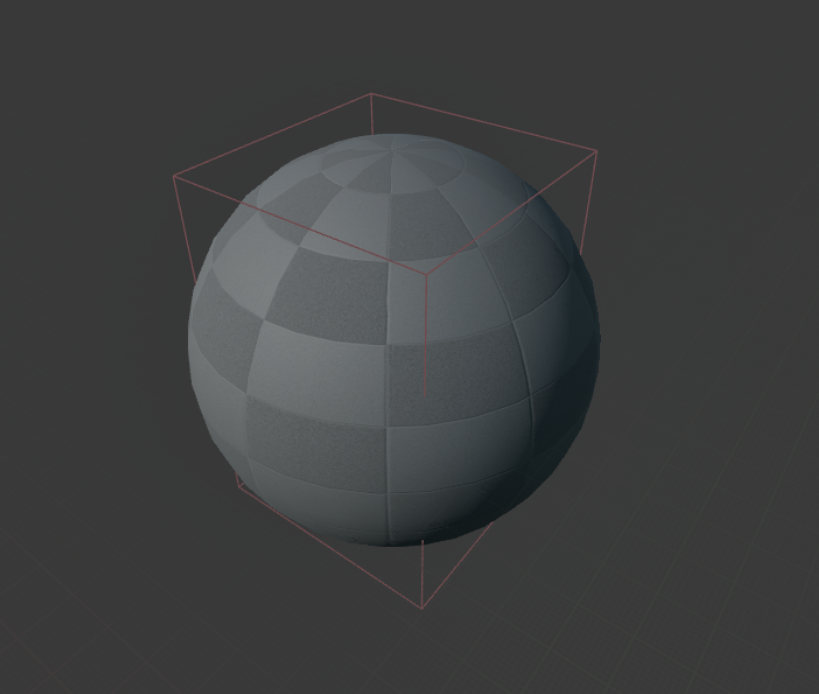
The pickup actor allowed the player to collect weapons and healing items. I used structures and data tables to manage item variables and statistics, making the system modular and easy to modify throughout development. For simplicity, I created two item categories: weapons and healing.
Healing items were quick to implement and test, while weapon pickups required more time due to weapon system issues I encountered early on. After resolving these bugs and integrating the pickup actor, I achieved a robust and flexible item system that allowed easy creation and adjustment of items.
Pickup Item Summary
Blueprints
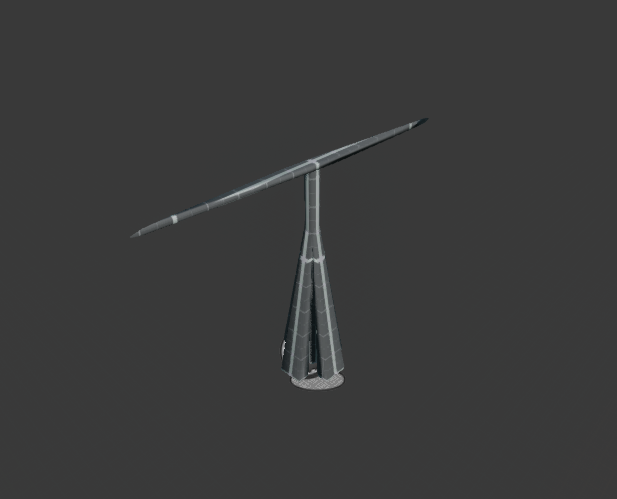
Like the propeller trap in Half-Life 2, this device spins at an incredibly high rate, killing anything that comes in touch with it. To make this possible with blueprints, I created a timeline that accelerates or deccelerates the blade mesh to make it spin.
I added a threshold the timeline alpha needs to exceed in order to do damage. This makes it so the blade has to spin up to a certain speed in order to do any damage.
Spinner Summary
Blueprint
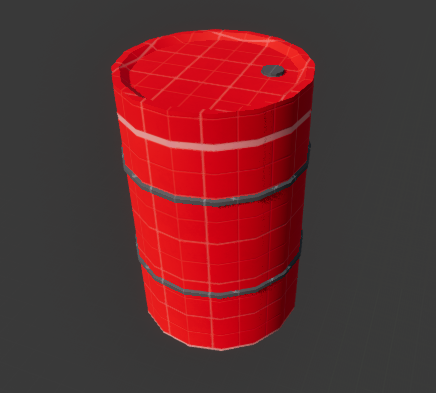
I wanted to recreate the explosive barrels from Half-Life 2, so I gave the barrel two health thresholds, one for igniting the barrel, eventually exploding after a couple of seconds, and one for instantly exploding it if more damage has been delt. Finally, I made the barrel damage and launch anything within its blast radius when exploding.
This actor is incredibly fun to interact with, as it does a lot of damage to any characters within the blast radius and makes other physics objects fly about when it explodes in spectacular fashion.
Exploding Barrel Summary
Blueprint
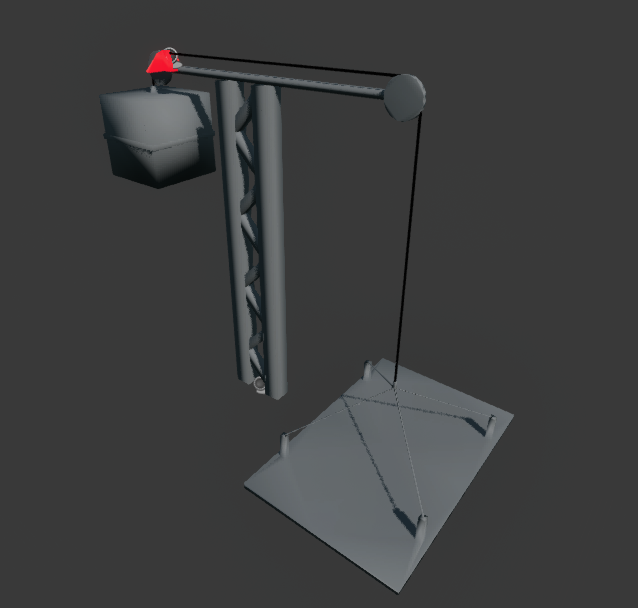
A suspended elevator that can be activated by shooting the lock on top of the elevator. To achieve this I created two seperate blueprint actors, an elevator actor and lock actor. After that, I created a new blueprint actor with two child actor components that housed both the elevator and lock. Finally, I added blueprint functionality that connects the lock and elevator actors so they can interact.
The elevator blueprint also uses a construction script function that lets the user add extra height by adding extra beams without having to manually place them and adjust their position.
Suspended Elevator Summary
Blueprints
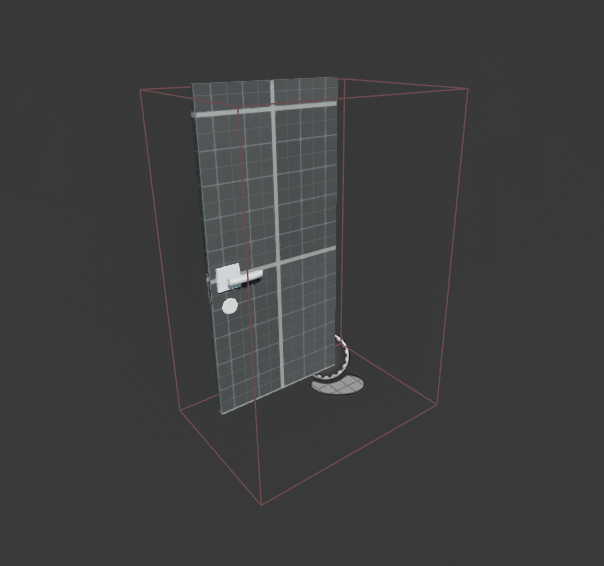
I wanted to make a door actor is as multipurpose as possible, so I added settings the user can adjust, such as if the door rotates or slides, how much it should rotate or slide, if it can be opened directly by the player or needs to be opened with an external device. This made the door actor reusable in different contexts, as the user can easily change the mesh and behaviour.
Door Summary
Blueprint
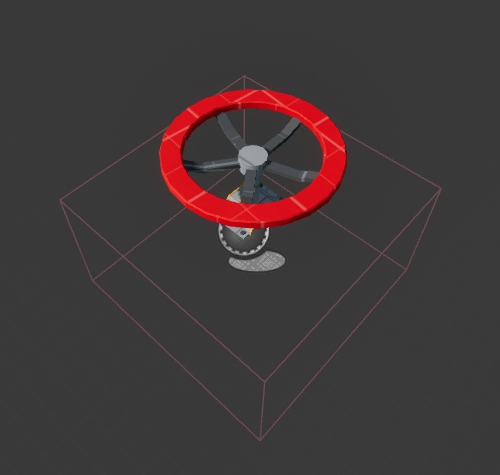
To complement the door, I added a valve blueprint actor that can open doors by holding interact on it until it reaches a specific threshold, where which it remains open permanently. This valve can also be connected to multiple objects, giving the user the freedom to connect however many doors to a single valve as they please, which can be set up for different scenarios the user has planned for.
Valve Summary
Blueprint
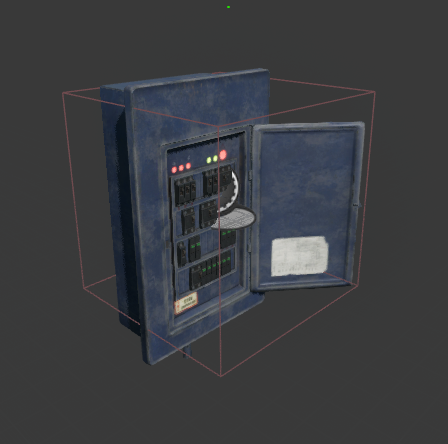
Similar to the valve, the electrical box was created to activate or deactivate certain objects with the device activate interface. The main difference is that the electrical box can also be activated with the remote control weapon via a seperate interface, while the valve needs to be activated by the player holding the interact key in front if it. This gives the electrical box more versatility as it can be used in multiple unique scenarios.
Electrical Box Summary
Blueprint
Like the suspended elevator, I created a bridge actor and a lever actor that were used as child actor components to a final blueprint actor that links them with basic blueprint logic. The lever can also be connected to other objects that use the same interface as the bridge, but for this piece I thought it would be more fitting if the lever was used on bridges exclusively. Finally, the lever can be shot to activate as well, rather than just having to go up and interacting with it.
Suspended Bridge Summary
Enemy AI
Blueprints
The goal with the enemy AI for this project was to have two variants of enemies the player gets to fight: a melee enemy and ranged enemy. To achieve this, I used a structure and data table to handle the stats for each enemy type and a behaviour tree for all enemy types to make the enemy actor more flexible and easy to work with.
The behaviour tree was kept simple, with two branches for the two enemy types in the project. The first branch handles the behaviour for melee enemies, which has a simple check to see if the enemy is close enough to the player to hurt them. The same goes for the ranged enemy, but instead of directly doing damage to the player it sends out a bullet actor that does damage if it comes in contact with the player, along with a function that makes the AI go to a random point after shooting. The third branch is activated when the level starts and it lets the enemy AI wander randomly so they don’t stand still when the player spots them.
The end result is a simple enemy AI system that houses two different enemy types with different behavior the player needs to take in account when playing.
Enemy AI Summary
Enemy Behavior Tree Demonstration
Blueprints
Level Design Breakdown
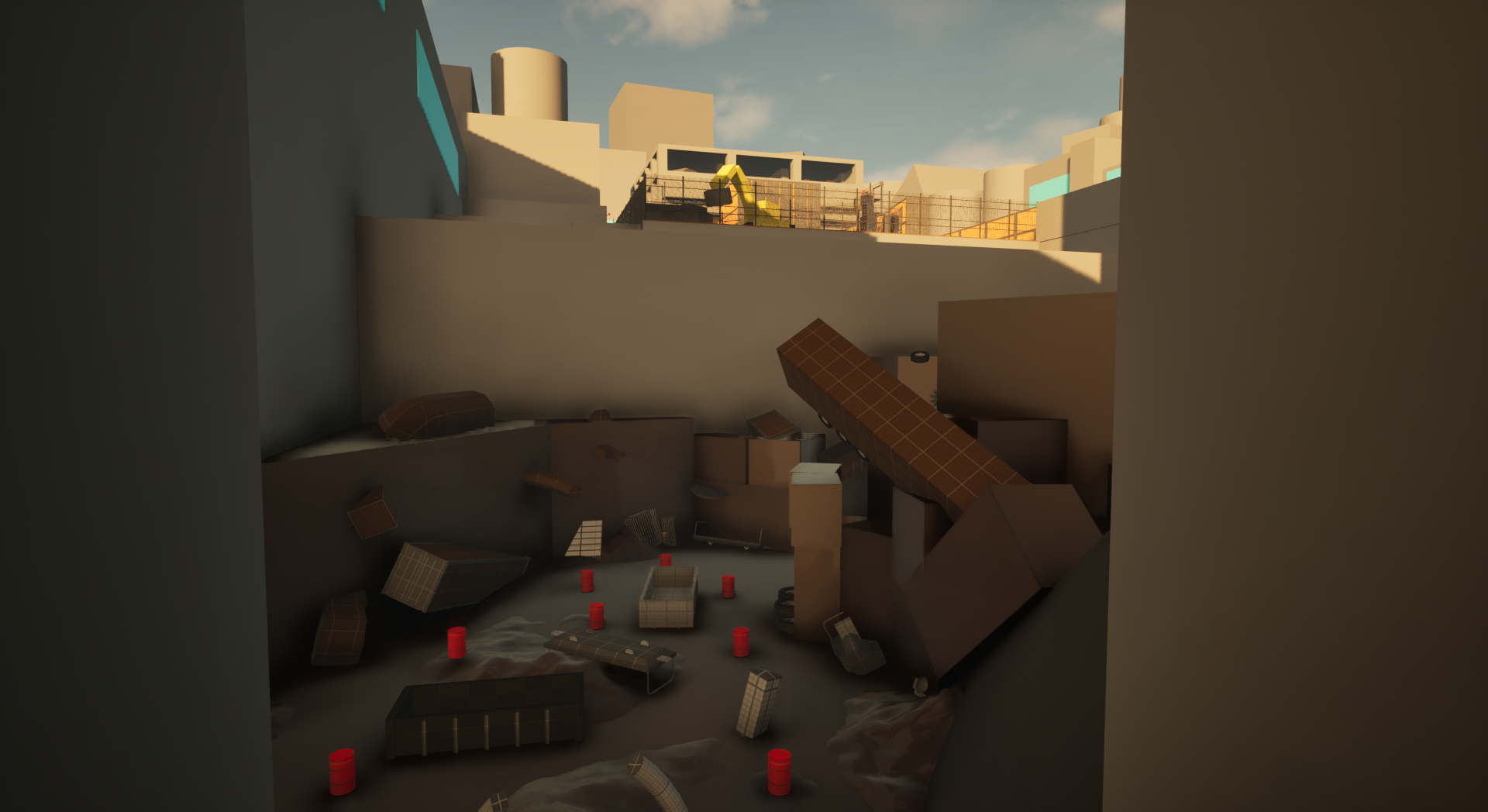
The level takes place in a dystopian city where the player has to make their way from a secret police station to a hideout near a construction site. I wanted to create a linear level that utilizes the player’s traversal in different ways while also presenting different challenges. This was done by creating different environments filled with different layouts, assets, blueprint actors and enemies.
To not overwhelm the player, each interactable element is presented in a simple scenario with low preasure. This onboarding helps the player get to grips with the mechanics that will be present in the level, letting them better use it further on in the level.
Having the level take place both inside and outside meant creating different environments which presents different atmospheres and gameplay situations. The vertical placement of them also played a role in setting the mood for the current and coming situation.
Level Design Summary
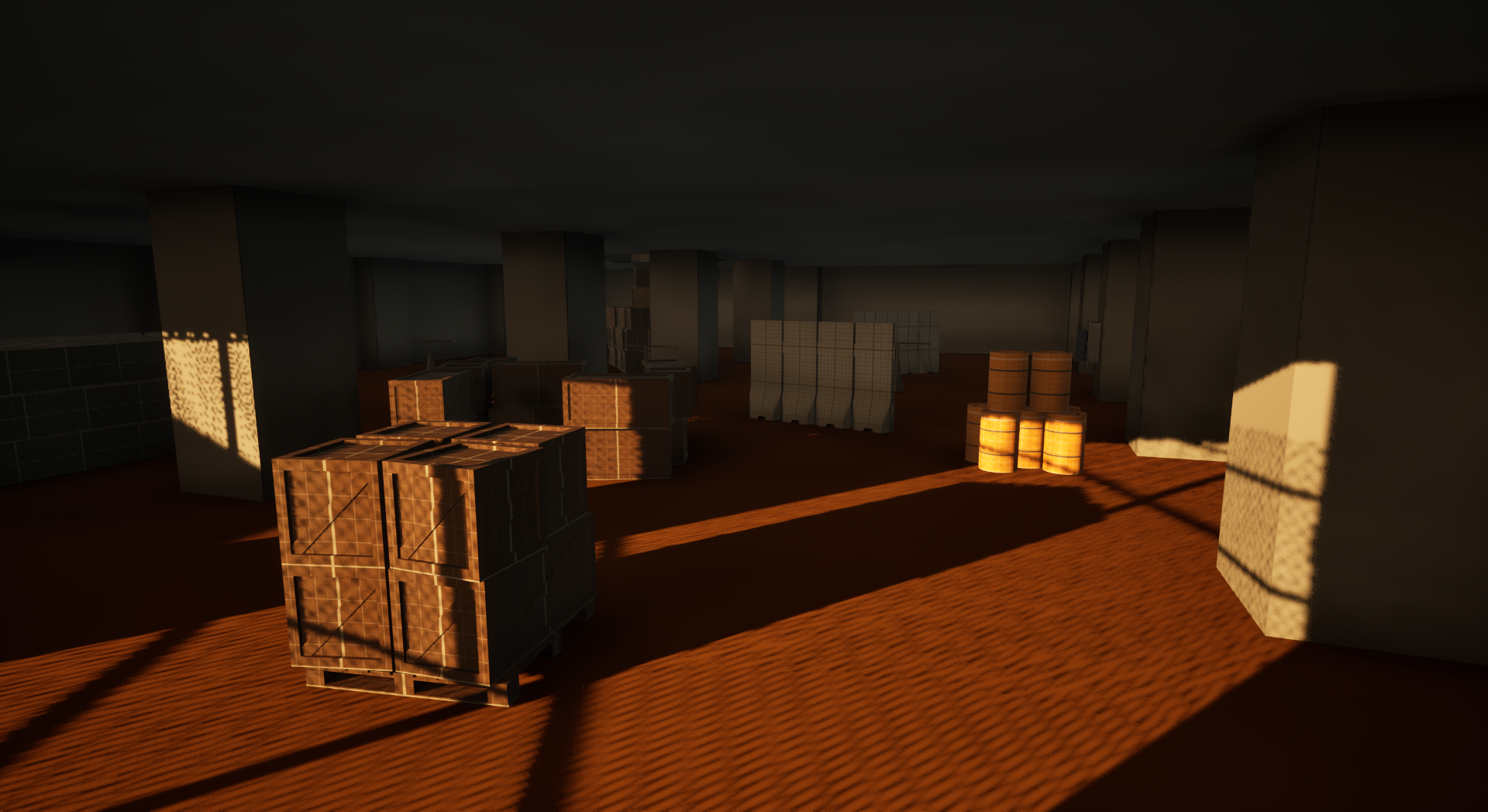
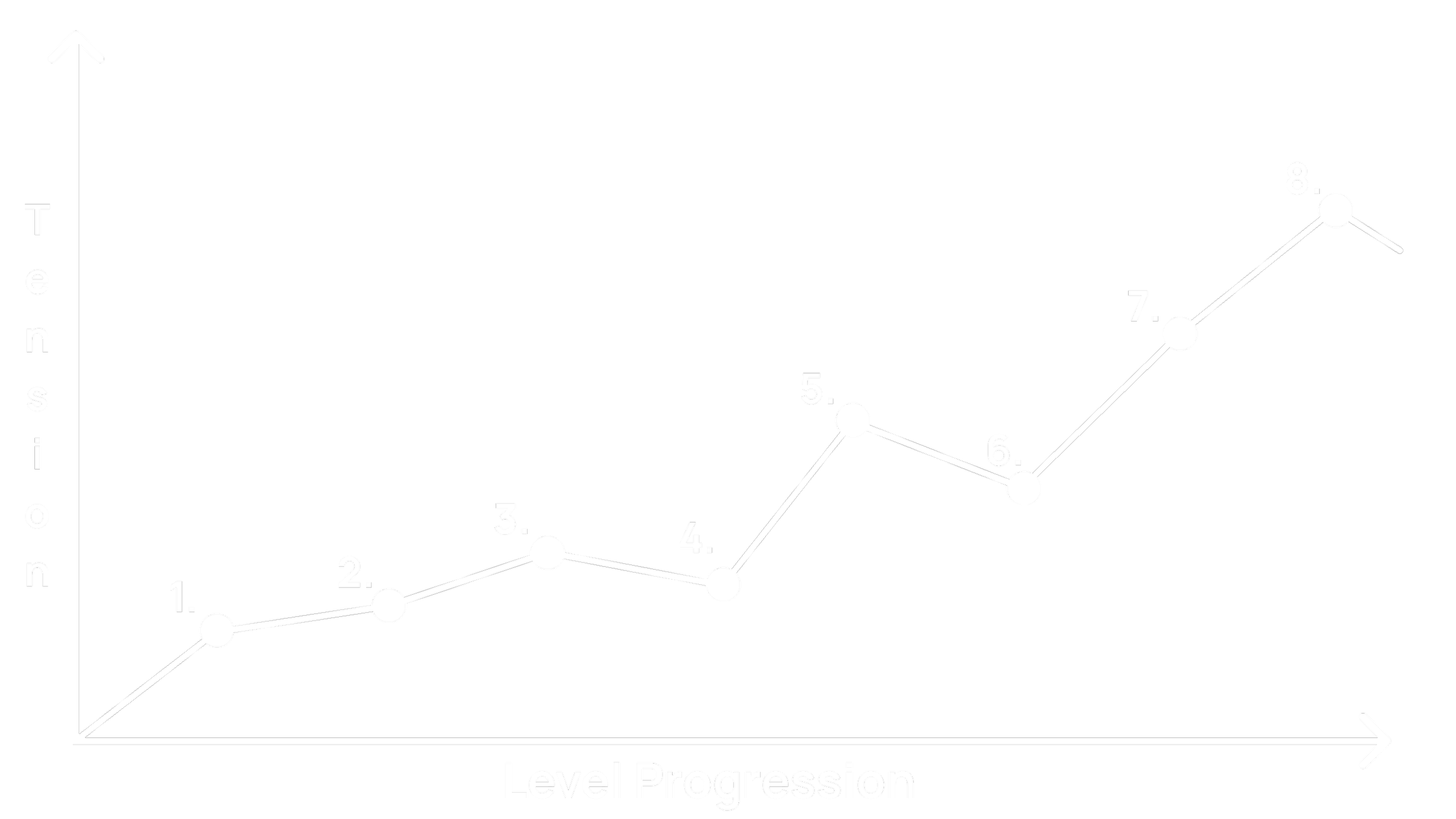
I wanted to create a sense of rising tension and challange as the level goes on, to make the level more enjoyable and give a sense of progression and mastery. To achieve this, I created different gameplay scenarios of increasing intensity as the player progresses through which creates a rising tension that inevitably releases when the player finally reaches the end.
In order to not overwhelm the player, I added moments of lower tension as decompression zones, to help the player regain their composure for future challanges in the level.
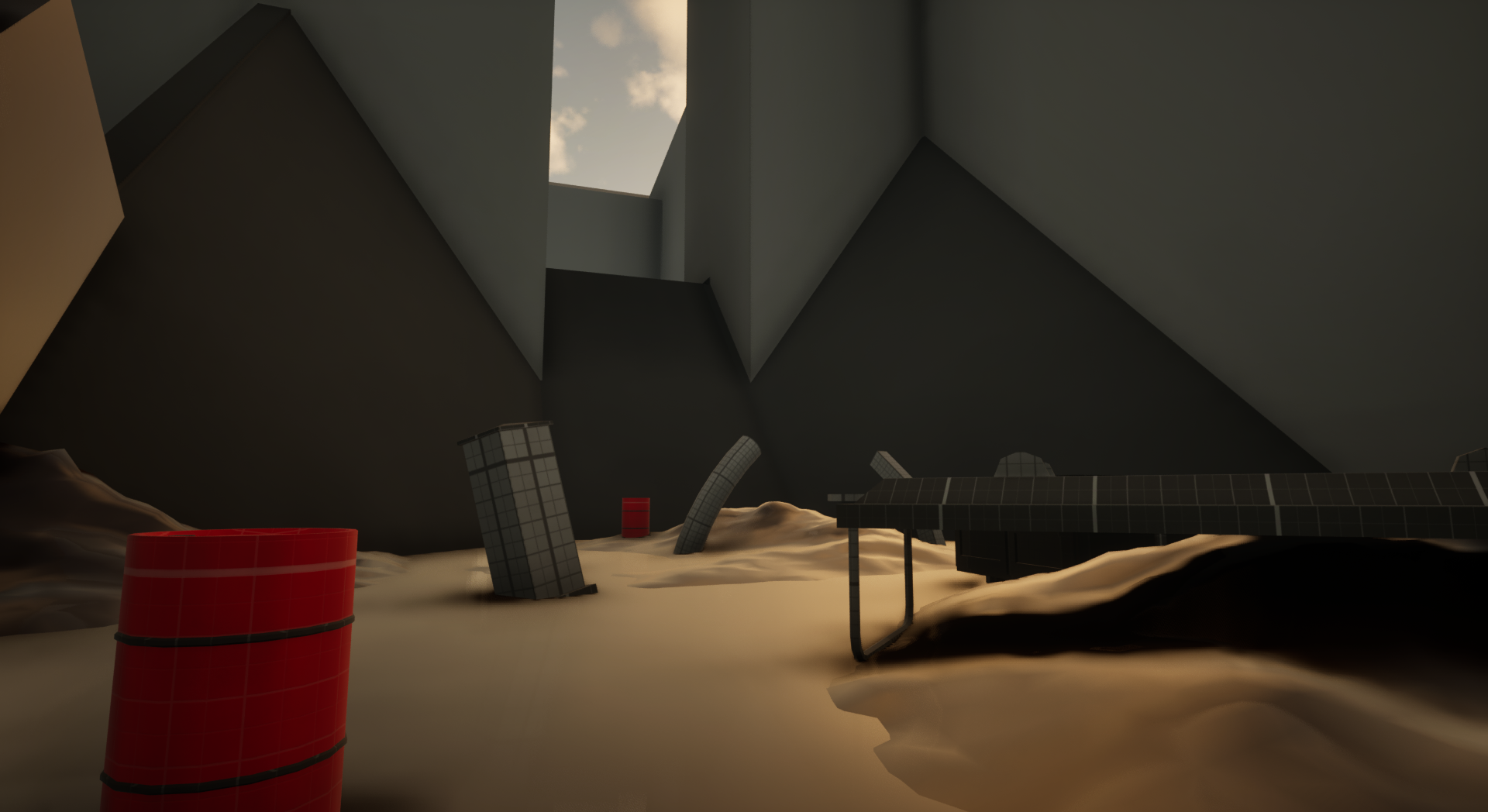
I also used vantage points and vistas to establish the upcoming challanges the player has to face further into the level, which helps with building tension for the player.
Rising Tension & Challenge
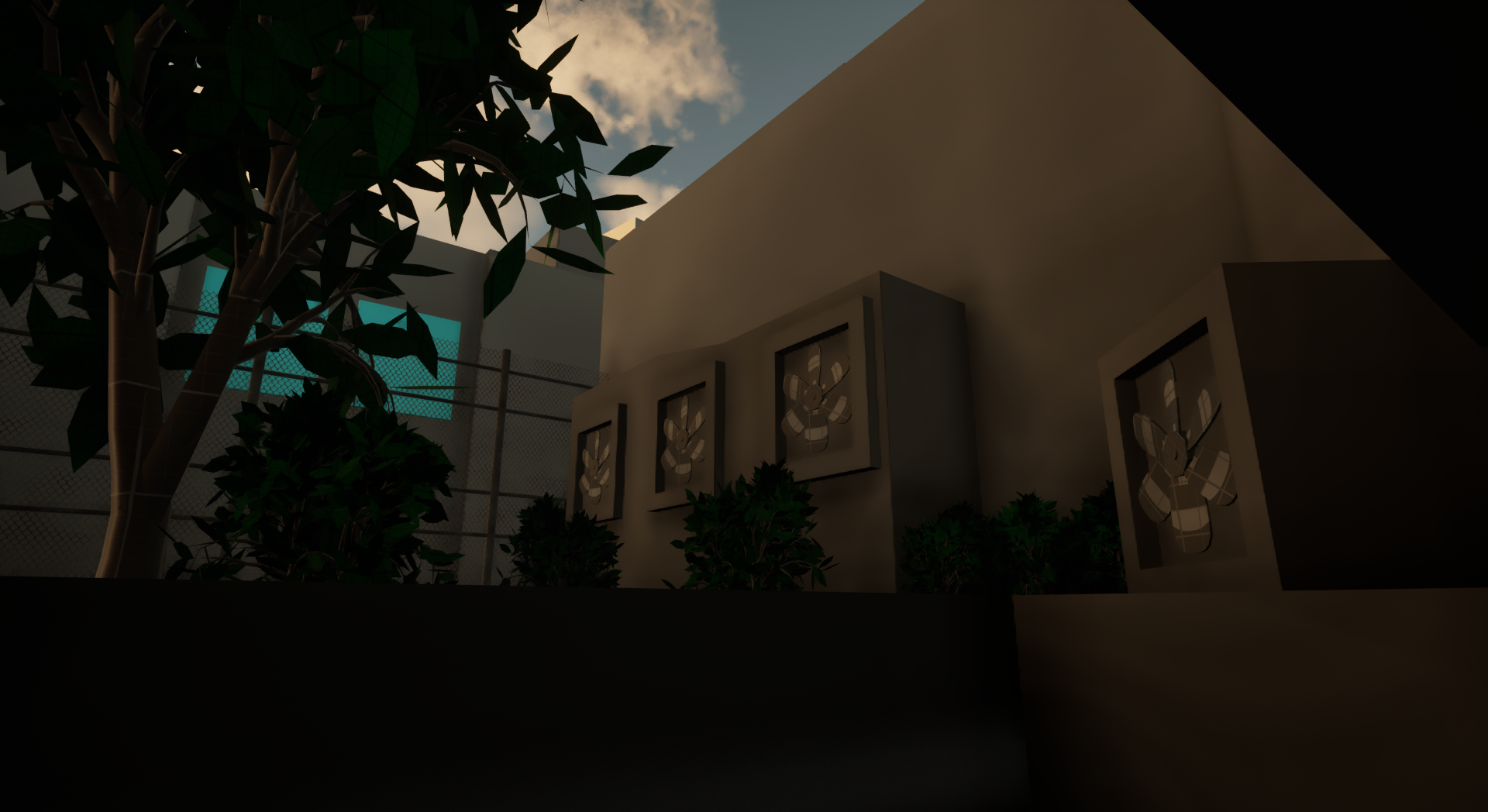
Regarding the control of the flow throughout the level, I used hourglass design, drop downs and one-ways. This helped minimizing the risk of the player going backwards and reinforced a sense of advancing through the levelby marking various points-of-no-return throughout the level.
To further the sense of progression, and readability in the level, I used simple meshes and materials to populate the level with distinct zones. This helped with giving the player a sense of progression and variety throughout the level, as well as saving time with setdressing so I could focus on iterating on the level design and the technical design aspects of the project.
Controlling Flow & Creating Progression
Level Overview
1: Level Start
2: Back Alley
3: Appartment
4: Trainyard
5: Sewer
6: Landfill
7: Construction Site
8: Parking Lot
Tension Graph
Reflections
This project was a lot of fun to work on, especially seeing all blueprint features coming together to create a fun and interesting level, as well as getting feedback from my classmates that improved the final product. Due to the time constraint, some features had to be scoped down or cut entirely to get the project over the finish line.
One thing I would like to add if I had more time is more weapons, as it would give the player more options in combat scenarios and added to the variety of the level. To add onto the variety in combat, I would have also added more enemy types if I had more time. As it is now, the enemy types currently in the level work to create different types of scenarios for the player, but having more enemy types with different type of behavior could create even more varied scenarios and challenges for the player to overcome.
The second thing I would have done differently is use more decompression zones throughout the level. As it is, the level is quite high tension throughout, and while I personally think it is nice with a lot of high-tension moments, using more low intensity areas, such as no-combat puzzle zones, could have helped with pacing the level a little better and creating more variation.
Finally, some extra juice would be nice for the player character, such as extra camera recoil when firing a weapon. While there is enough feedback to signal what is happening to the player, some extra feedback would enhance the game feel of this project.
In conclusion, this has been an incredibly rewarding and fun project to work on. While there are some things I would have wanted to add if I had more time, more weapons, enemies, and decompression zones, I am very pleased with the final product. The opportunity to express my creativity and thoughts with both blueprints and level design is something I love, and will continue to do for the rest of my life.
From the bottom of my heart, thank you for reading this!